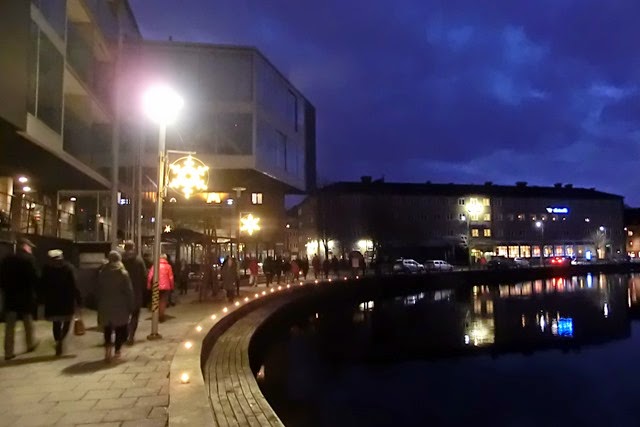
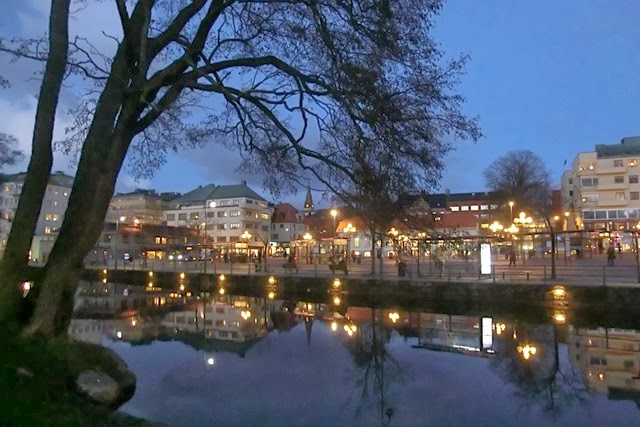
One week of November has gone by already, here in Sweden we are back on winter time since two weeks, and darkness is falling earlier with every day…
I went looking for some new winter decoration lights for my balcony; and fell in love with this little tree with white LED bulbs that in the daytime look rather like snowberries. As bare branches somehow look less “christmassy” than spruce garlands, I decided it would be OK to put it up already for Halloween… So I did!
So far we’ve been having mild and rather still autumn weather. I’ve tried to tie the tree tight to the rail – but it remains yet to be seen when proper winter storms set in (as no doubt sooner or later they will) if I’ve done a good enough job of it!
…
Yesterday, while I was tapping away on my computer writing an email, the display on my screen suddenly changed; and resolution, size and font and whatever went bigger and distorted – for no reason at all, as far as I was aware of. I then tried to restart, hoping that would fix it - but was rebuked by the computer, who (strange how personal appliances suddenly get when things like that happen!) told me I was not allowed to do that (implying that even worse things might happen if I did). Apparently It had much more important stuff to deal with than my email.
So I left it alone for a while and went away to do other things. When later on I found it had turned itself off, I tried waking it again, only to find it was still in a grumpy mood – showing the same weird display. I made some attempts at setting it right, but to no avail. At best I managed to get the text back to somewhere close to the right “height”, but everything was kind of flattened out and elongated sideways. Round icons for example weren’t round but oval. So I gave up and went to bed…
This afternoon I gave it another go. Alas no mircale had happened over night. It took me three hours or more of continued trial and error to get the settings back to looking right. For starters, I could not for the life of me remember (nor find) what my screen resolution had been before it went wrong…
Finally it seems I managed to get it right, though. (Note to self in case it happens again: 1600 x 900). Hopefully I’ve learned something about various other settings in the process as well. But I still haven’t got a clue why it played up in the first place! (Anyone else out there who had similar problems with display settings in Windows 10?)
Friday My Town – Darkness